App Store screenshots that sell your app.
Upload app screenshots. Get conversion-focused headlines, optimized sequence, and export for iOS & Android — in minutes.
5 min
to publish-ready
+35%
conversion lift
Zero
design skills needed
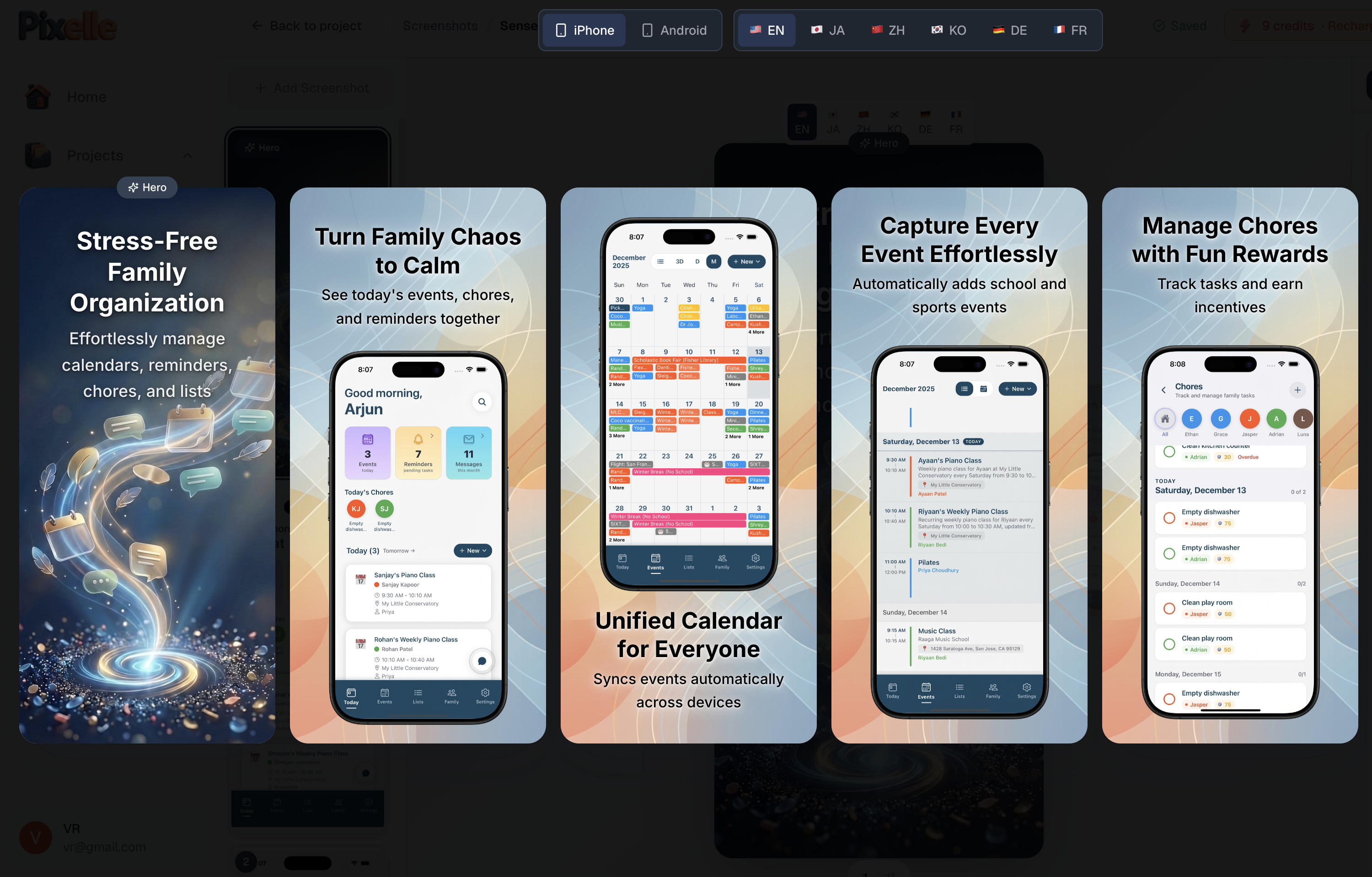
Real Examples
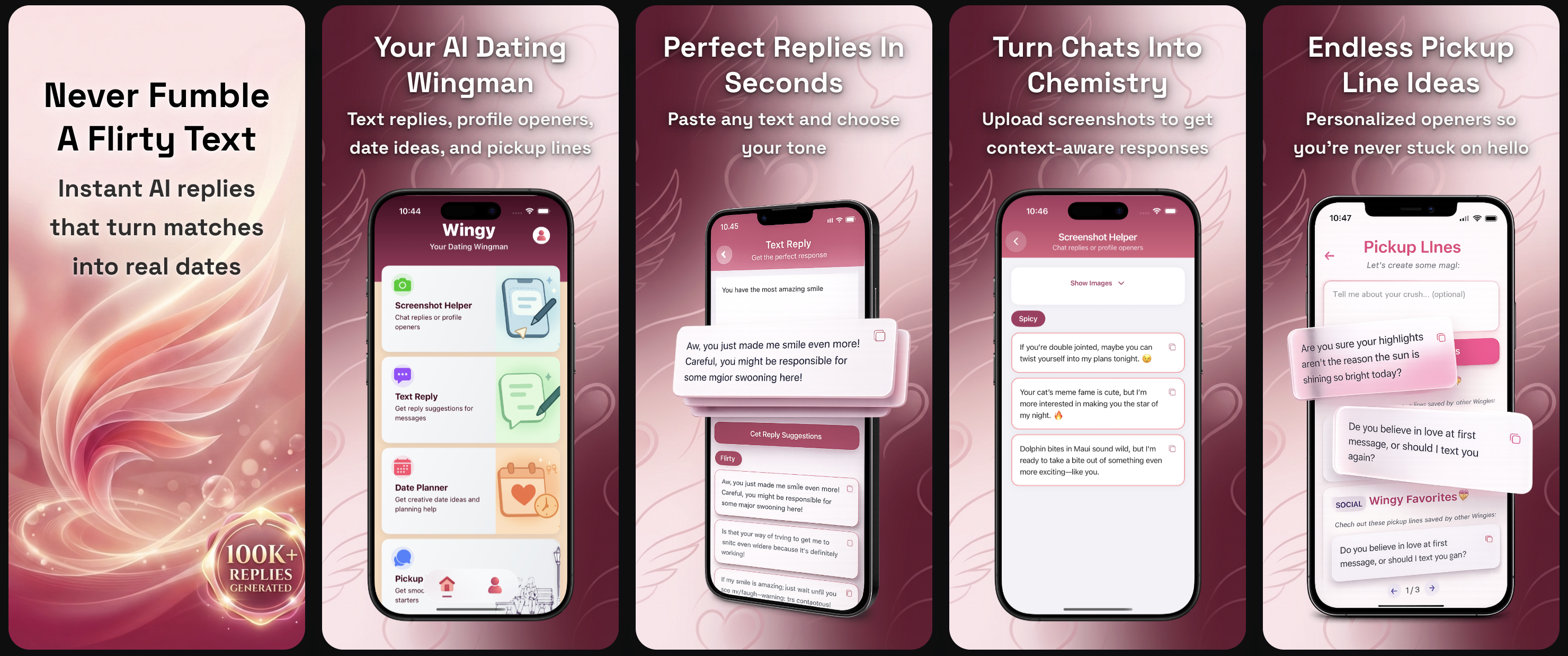
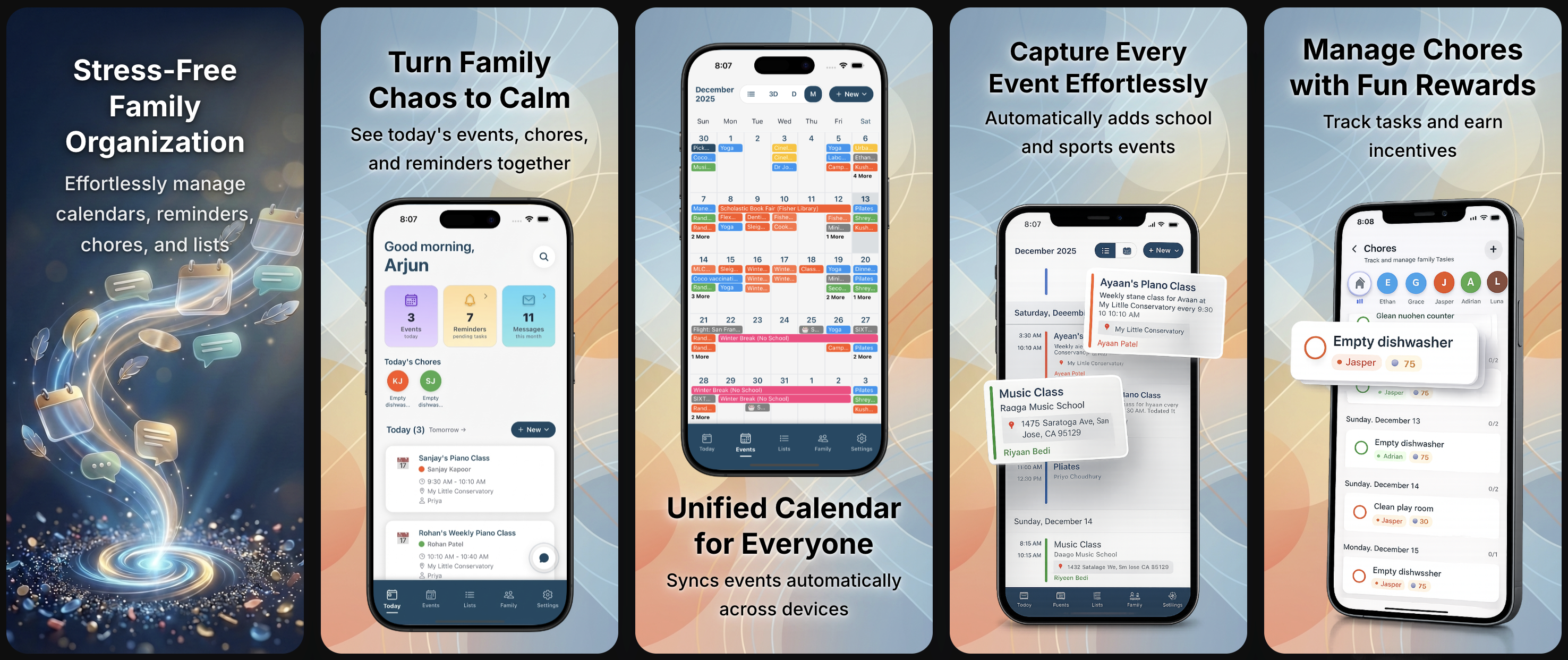
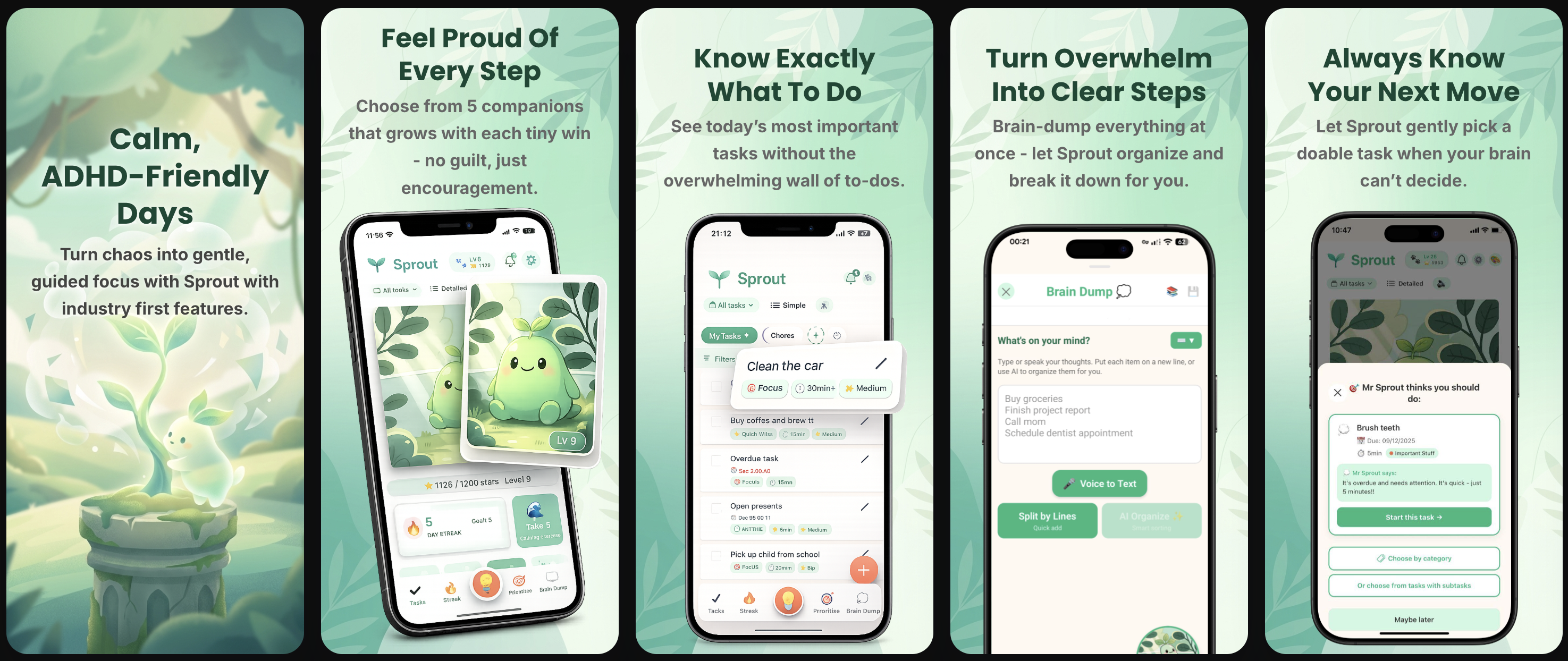
App Store screenshots made with Pixelle
See what developers are creating

You're a developer, not a copywriter
App store screenshots can make or break your downloads. But writing marketing copy shouldn't be your job.
Without Pixelle
- ✗Staring at blank Figma wondering what to write
- ✗Googling "app store screenshot best practices" for hours
- ✗Manually resizing for every device size
- ✗Copying competitors because you don't know what converts
- ✗Delaying launch because app store screenshots aren't done
With Pixelle
- AI writes conversion-focused headlines for you
- Optimal sequence determined by ASO psychology
- Export for iOS & Android in one click
- Smart defaults based on what works
- Upload to app stores the same day
Why Pixelle
Templates give you a blank canvas.
Pixelle gives you finished work.
Other tools make you do the marketing. Pixelle does it for you.
Analyzes your app
AI understands your features, audience, and value proposition from your app store screenshots
Optimizes sequence
Determines the perfect order based on App Store psychology (90% don't scroll past #3)
Writes your copy
Generates benefit-focused headlines that convert - no marketing degree required
Suggests styling
Recommends colors, fonts, and templates that match your app's aesthetic
Comparison
How Pixelle compares
| Feature | Template tools | Pixelle |
|---|---|---|
| Headlines & copy | You write them | AI generates them |
| App store screenshot sequence | You decide | AI optimizes for conversions |
| Style & colors | Pick from templates | AI matches your app |
| Localization | Manual per language | 20+ languages, one click |
| Marketing knowledge | Required | Built into AI |
| Time to publish | Hours | Minutes |
The template trap
50 templates.
50 apps that look the same.
Template tools force you to pick from the same preset designs everyone else uses. Your app deserves better than looking like a clone.
Same templates. Same look. Forgettable.
The Pixelle way
Zero templates.
Infinite possibilities.
Every design is generated uniquely for your app. AI analyzes your app store screenshots, understands your brand, and creates something that's never existed before.
Unique to your app. Every single time.
Simple Process
From upload to App Store in minutes
Upload your app screenshots
Drag in 1-10 screenshots from your app. That's all you need to start.
AI does the thinking
In seconds, get optimized sequence, headlines, and style recommendations.
Customize if you want
Full editor for tweaks - or just use the smart defaults and ship.
Export and publish
Download for iOS & Android in all required sizes. Ready to upload.
That's it. No learning curve. No design degree.
Full Featured
Everything you need to ship
Professional features without the learning curve
Your first impression, perfected
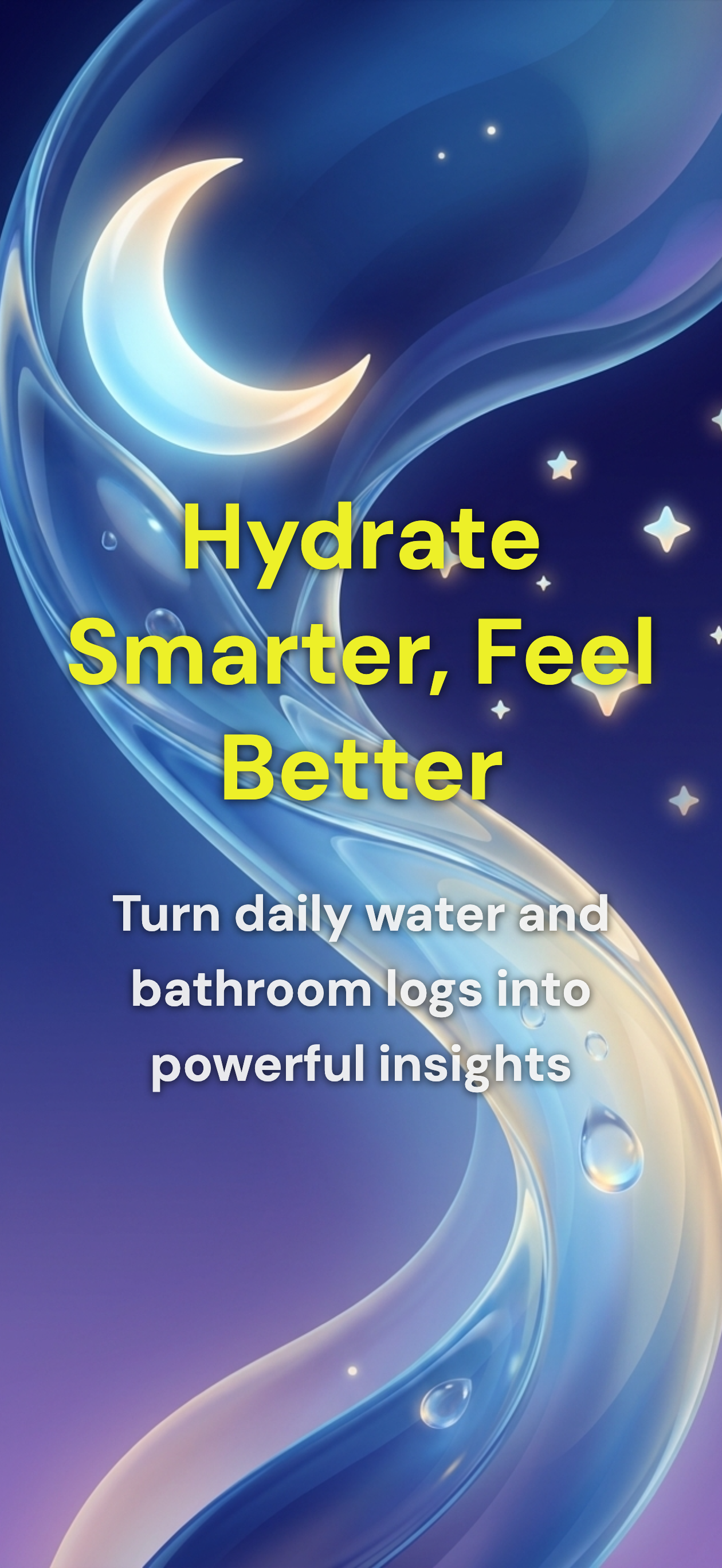
90% of users never scroll past the first app store screen. Pixelle generates a stunning marketing hero that hooks users instantly - with your app's key value proposition front and center.
The Data
Why app store screenshots decide your downloads
of App Store visitors decide in 3 seconds
Users scan your app store listing faster than they read a tweet. Your first screenshot is your only chance to stop the scroll. If it doesn't communicate value instantly, they're gone.
never scroll past screenshot #3
Most users only see your first three app store screens. That's why sequence matters. Pixelle uses ASO psychology to put your strongest value propositions first.
conversion lift from optimized screenshots
Apps with professional, benefit-focused screenshots convert significantly better than those with plain UI captures. Good app store optimization isn't optional—it's the difference between getting downloads and getting ignored.
The bottom line: Your app store screenshots are your storefront. They're doing sales while you sleep. Pixelle makes sure they're actually good at it.
FAQ
Frequently asked questions
What is an app store screenshot generator?
An app store screenshot generator is a tool that helps you create professional marketing screenshots for the Apple App Store and Google Play Store. These tools add device frames, text overlays, and backgrounds to your app screenshots, making them more attractive to potential users. Pixelle goes further by using AI to automatically generate headlines and optimize your screenshot sequence.
What screenshot sizes does Pixelle support?
Pixelle exports the optimal size for each device type: 6.7" for iPhone (1290×2796), 12.9" for iPad (2048×2732), and standard sizes for Android phones and tablets. Apple and Google automatically scale your screenshots to fit all device sizes, so you only need one screenshot per device type - we handle the technical requirements for you.
How does the AI generate app store screenshot headlines?
Pixelle's AI analyzes your app store screenshots to understand your features, target audience, and value proposition. It then generates benefit-focused headlines optimized for App Store conversions, following ASO best practices like keeping headlines under 6 words and avoiding repetition across your app store screenshot set.
Can I create screenshots for both iOS and Android?
Yes! Pixelle supports both Apple App Store and Google Play Store screenshots. Create your design once, then export to all required sizes for iPhone, iPad, Android phones, and Android tablets. Each platform gets properly sized PNG files ready for direct upload to App Store Connect or Google Play Console.
How is Pixelle different from AppScreens or Screenshots Pro?
Unlike template-based tools, Pixelle uses AI to do the marketing thinking for you. It analyzes your app, writes conversion-focused headlines, determines the optimal screenshot sequence based on ASO psychology, and suggests colors and fonts that match your app. You get intelligent defaults instead of blank canvases.
Do I need design skills to create app store screenshots?
No design skills required. Upload your app screenshots, and Pixelle's AI handles the marketing strategy - headlines, sequence, styling. You can ship with smart defaults or customize every detail. Either way, you get professional app store screenshots in minutes.
What's the best first app store screenshot?
Research shows 90% of users don't scroll past the third app store screen, so your first app store screenshot is critical. Pixelle can generate an AI hero screen - a marketing-focused first screenshot that communicates your app's value proposition, not just a UI capture. This hero screen is designed to stop users from scrolling and drive downloads.
Is Pixelle free to use?
Yes! Start with 5 free generations - no credit card required. Create your app store screenshot set, let AI optimize it, customize if needed, and export to both iOS App Store and Google Play Store.
How long does it take to create app store screenshots?
Most users go from upload to export in under 5 minutes. Upload your app screenshots, let AI generate headlines and optimize the sequence, make any tweaks you want, and export. No more spending hours in Figma or Photoshop.
Can I edit the AI-generated headlines and designs?
Absolutely. Pixelle gives you smart defaults, not locked templates. Edit any headline, change colors, adjust layouts, swap fonts - full creative control. Most users ship with minimal edits because the AI gets it right, but you can customize everything.
Does Pixelle support multiple languages for app store screenshots?
Yes! Pixelle supports localization to 20+ languages. Translate your headlines with one click and export all language versions in a single ZIP file - ready for App Store Connect and Google Play Console. Perfect for international ASO.
How does Pixelle help with App Store Optimization (ASO)?
ASO is built into every decision Pixelle makes. The AI writes headlines using high-converting keyword patterns, sequences your app store screenshots based on user scroll behavior research, and follows proven best practices like the 90% rule (most users don't scroll past screenshot #3). You get ASO expertise without hiring a consultant.
Is my data safe? What happens to my uploaded screenshots?
Your screenshots are processed securely and never shared or used to train AI models. We use industry-standard encryption, and you can delete your data anytime. Pixelle also includes privacy tools to blur sensitive information before publishing to app stores.

Ready to ship better App Store screenshots?
Stop procrastinating on App Store screenshots. Let AI handle the marketing.
5 free generations · No credit card